After you select a specific user account you can see the account information:
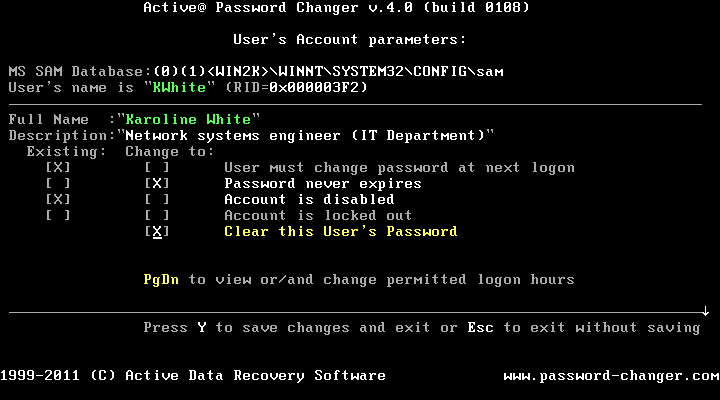
To view and change permitted logon days and hours press the [PgDn] key:
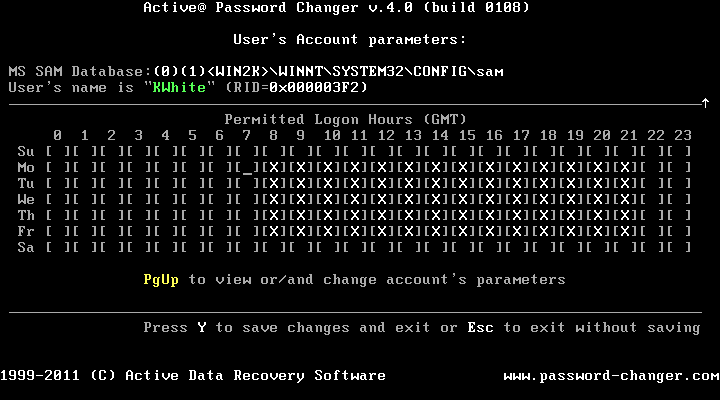
To select and choose days and hours use arrow keys and the [Space] bar. Please note that hours are displayed in GMT (Greenwich Mean Time). You should take that into account for your local time zone.
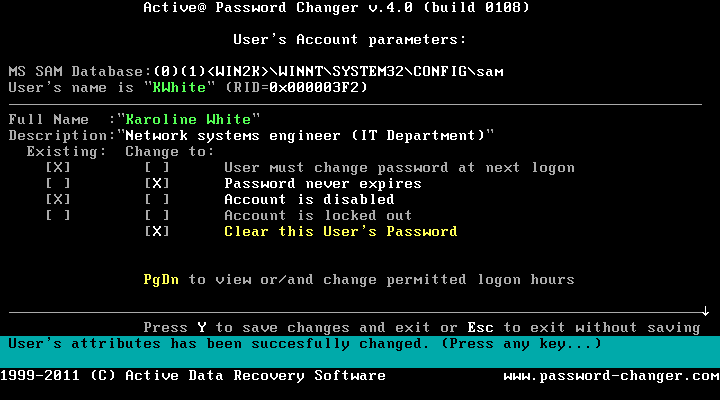
Press [Y] if you want to save your changes or press [Esc] to leave the previous account information unchanged and return to previous window (List of accounts)
This document is available in PDF format,
which requires Adobe® Acrobat® Reader
(Free download):

